/ Home
Substack
Note: Stack your knowledge on the web!
How to publish on Substack?
-
Alwase get a picture from Unsplash
1.1. Add a picture like below

-
Get Picture Author details from Unsplash
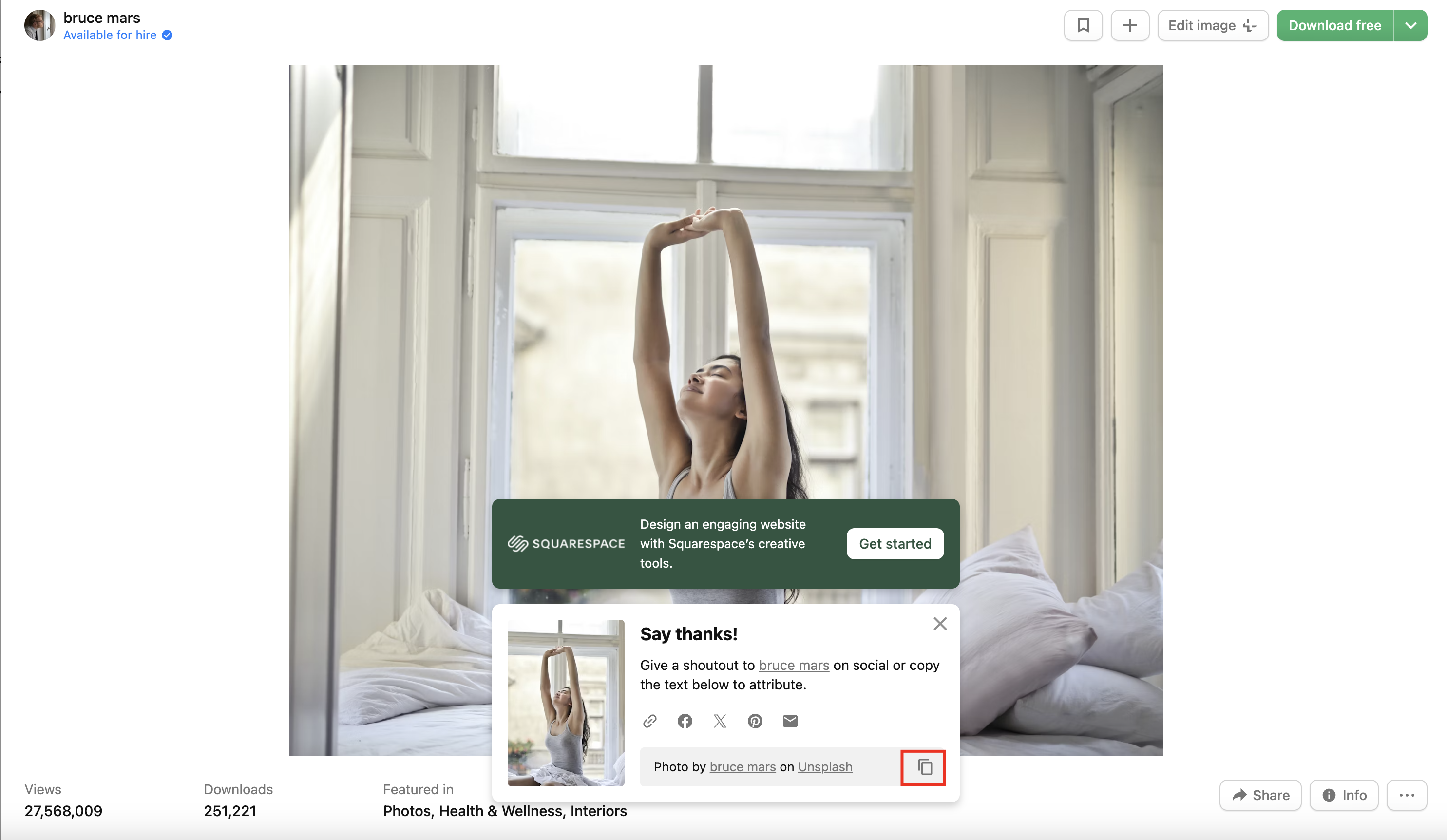
-
Click Caption on the image
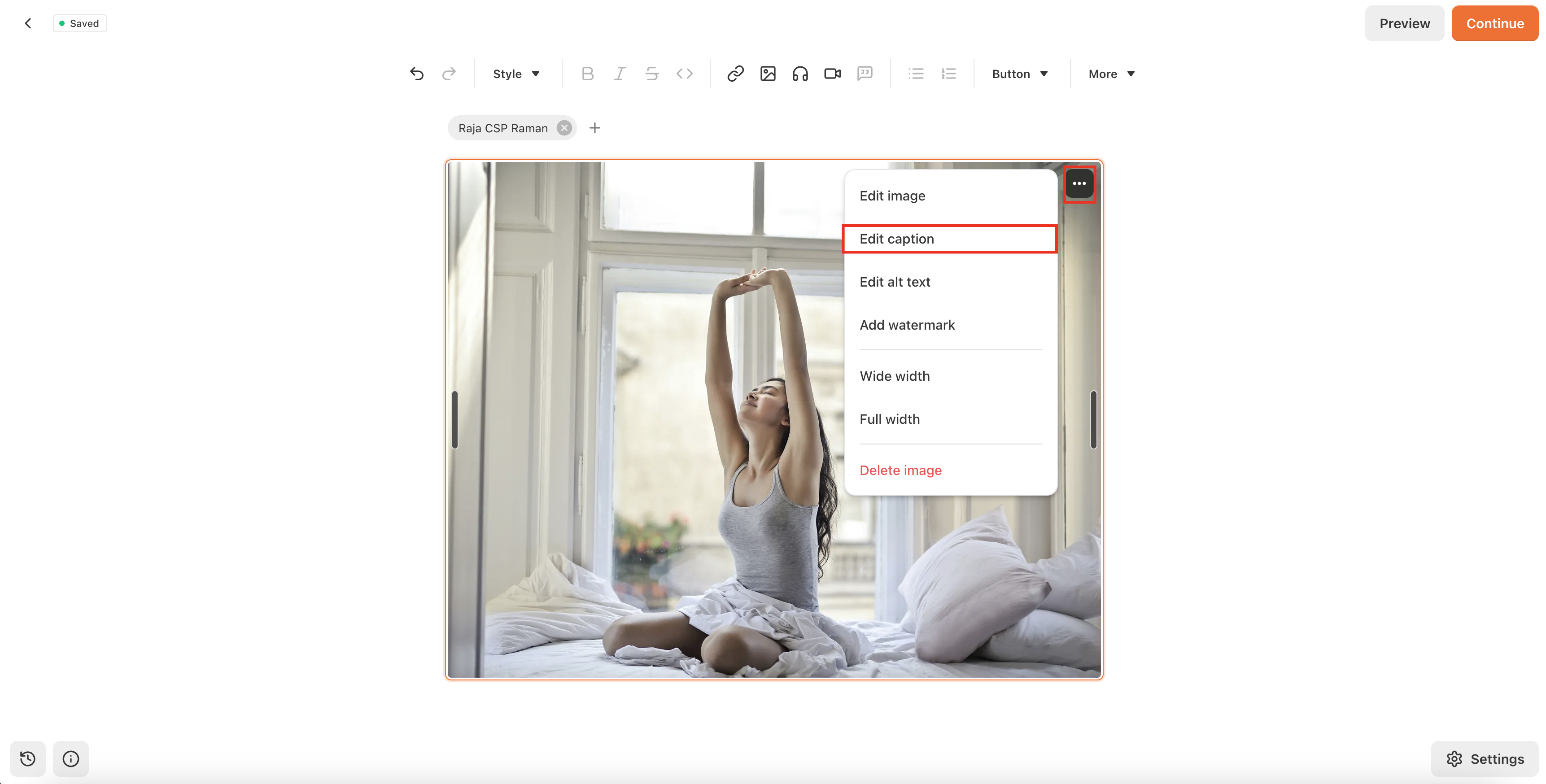
-
Add the Author details in caption
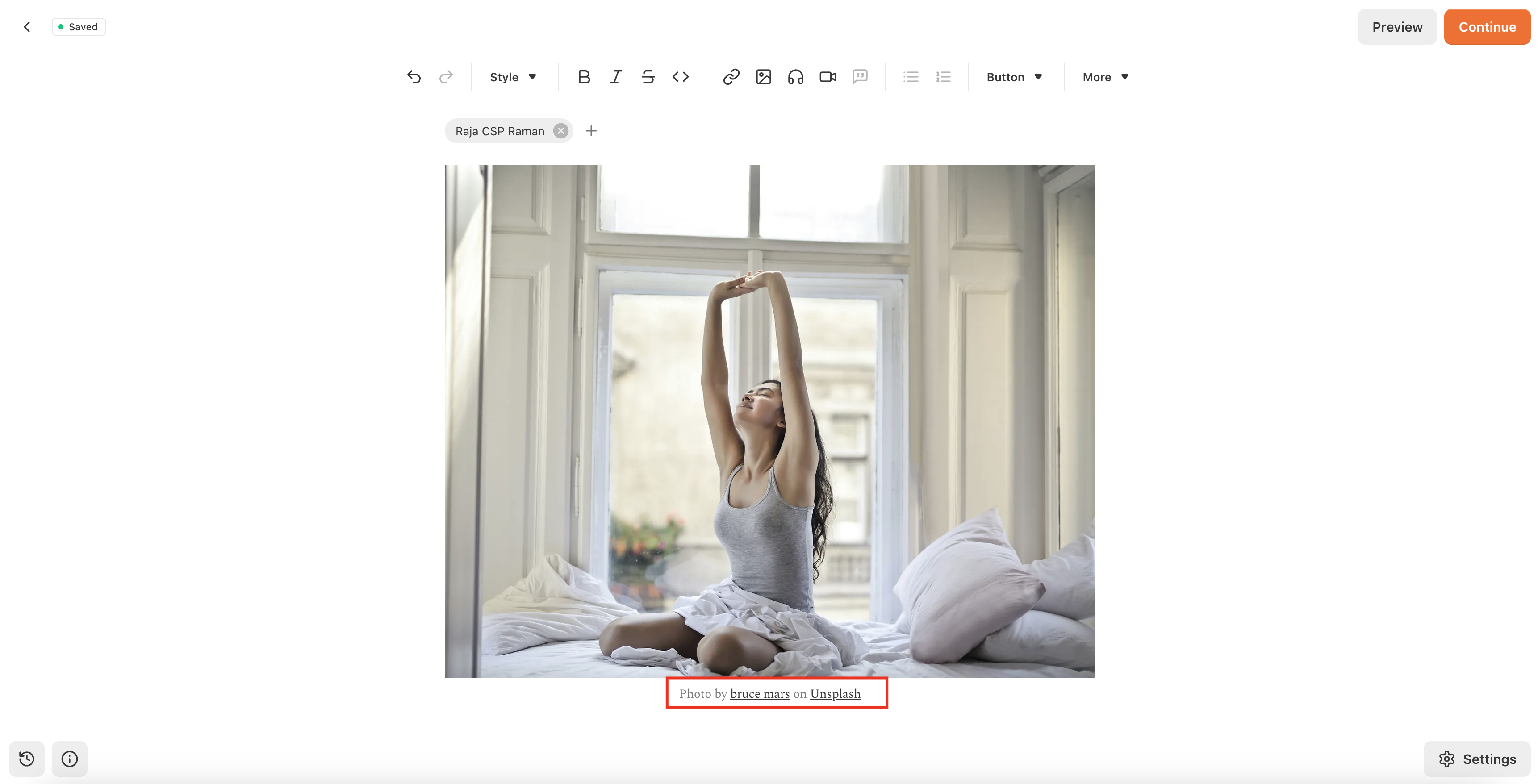
-
Add the rest of the contents in your Substack article page
-
Once you finished adding your content, check preview
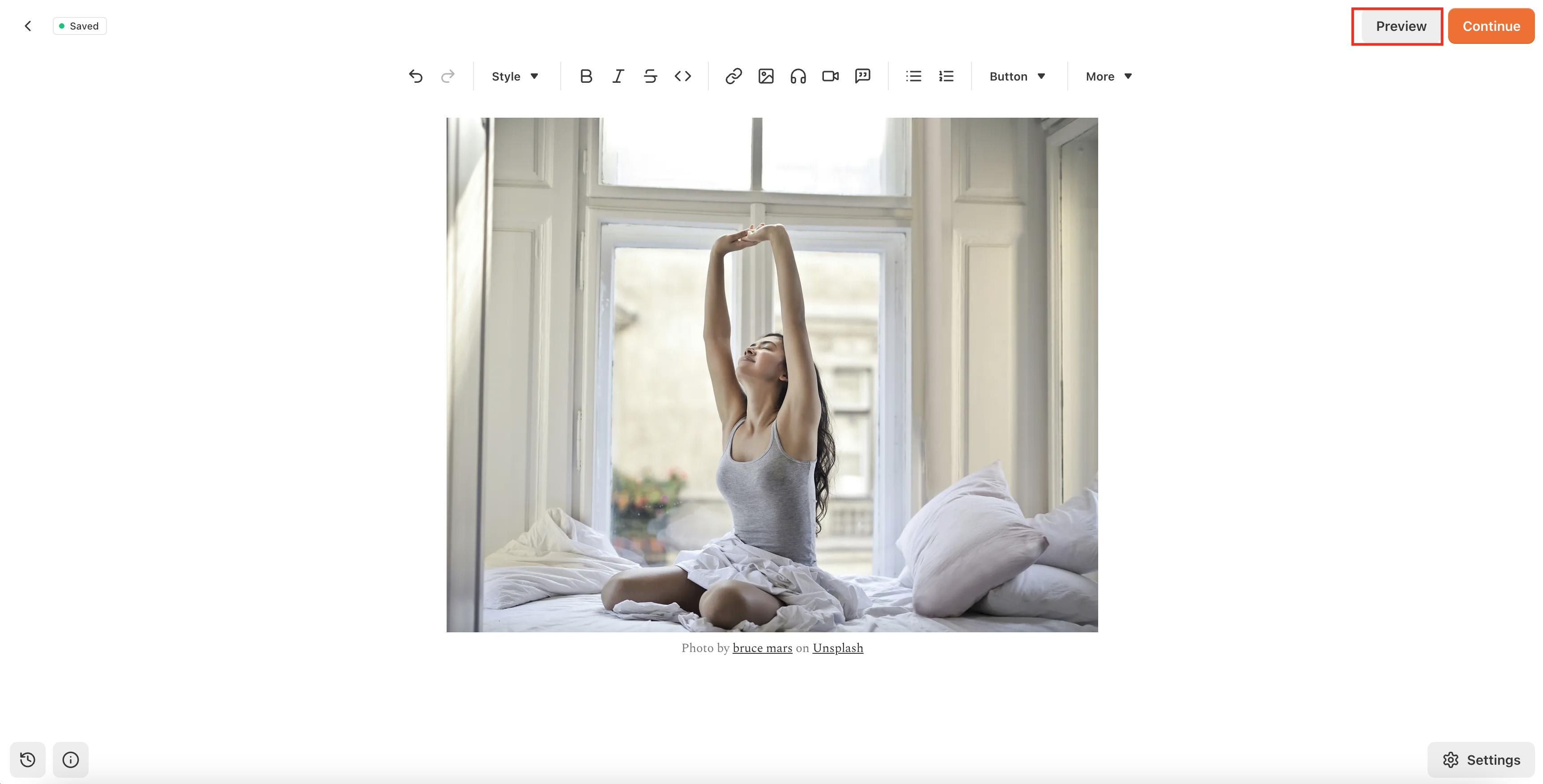
-
Click
Continueand add necessary tags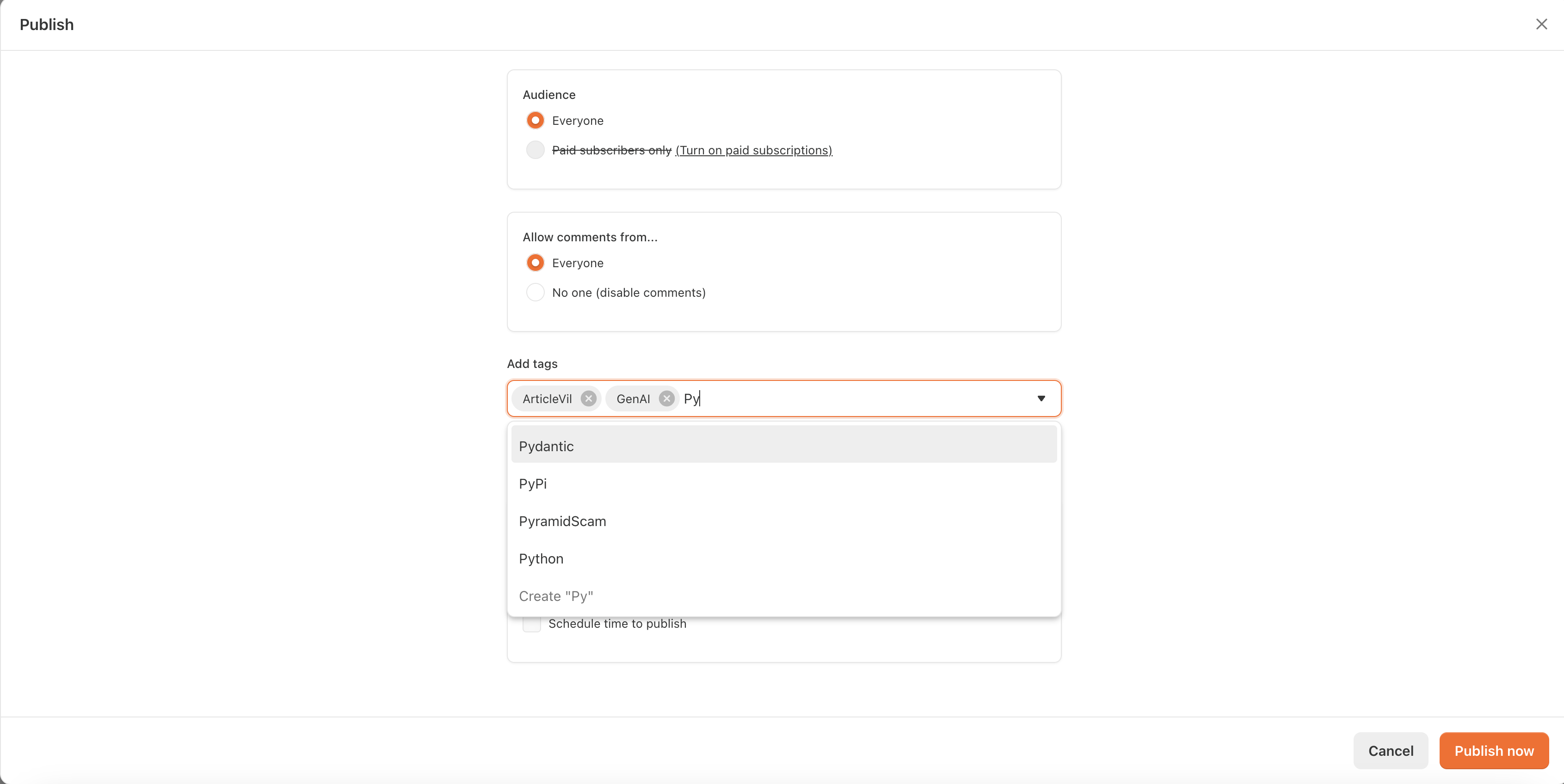
-
Click
Publish Nowand it will be published
How to make table in Substack?
- Go to https://www.datawrapper.de/
- Make table and publish
- Copy paste the link in Substack and it will automatically pick up