How to Publish and Share Your Substack Link
This guide outlines the steps to publish an article on Substack and obtain a shareable link.
-
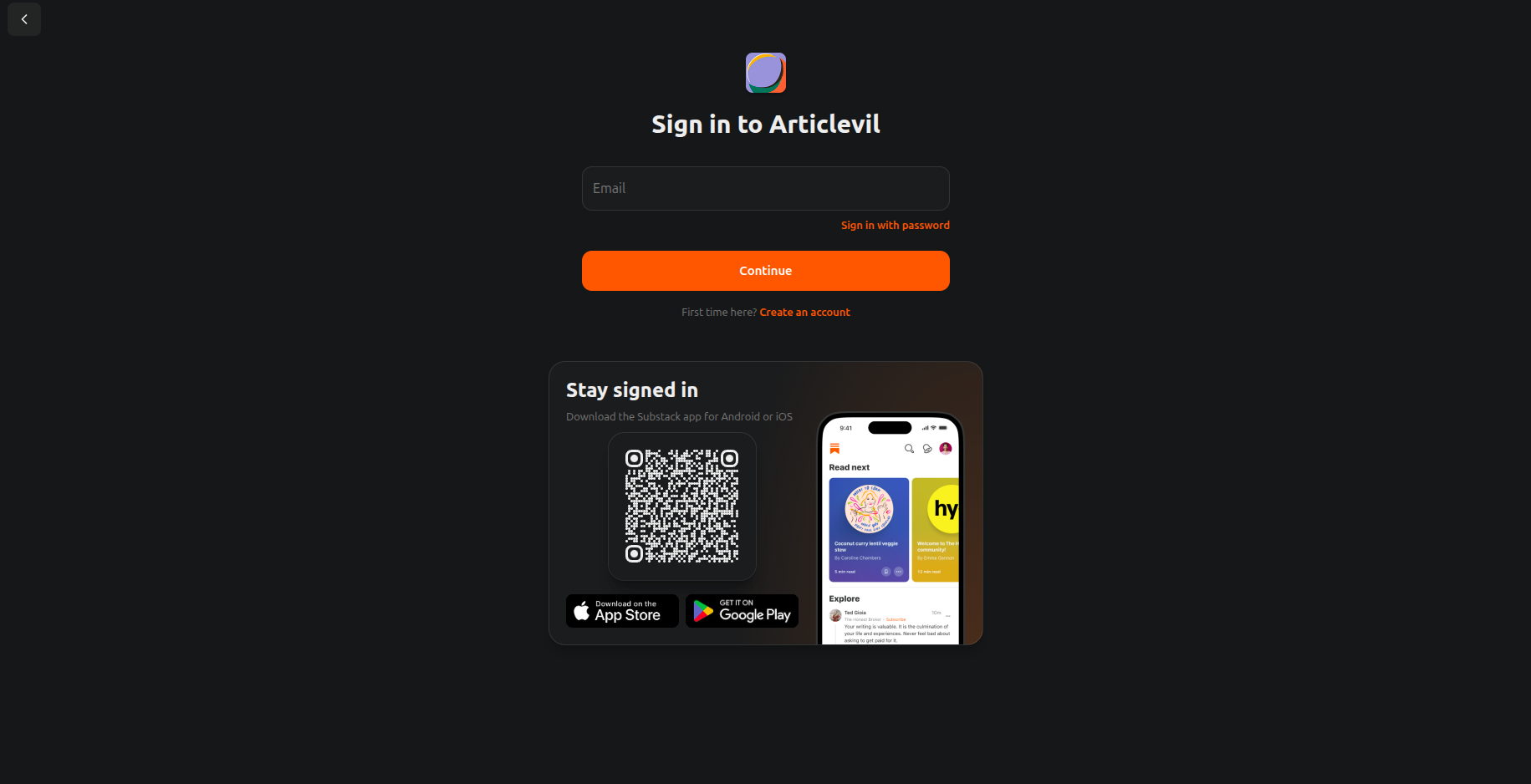
Access Substack: Log in or sign up to your Substack account.
-
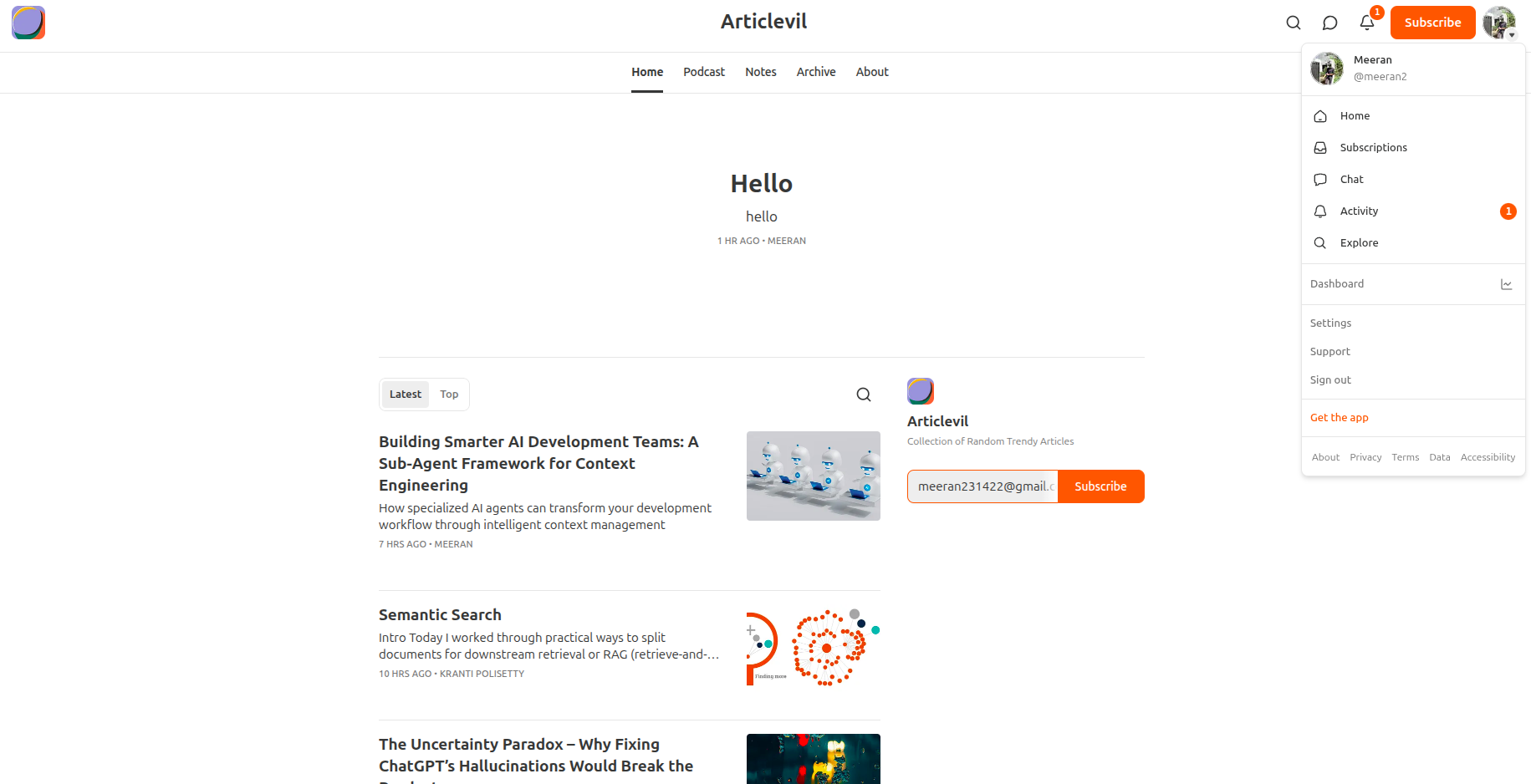
Go to Dashboard: Click your profile icon and select “Dashboard.”
-
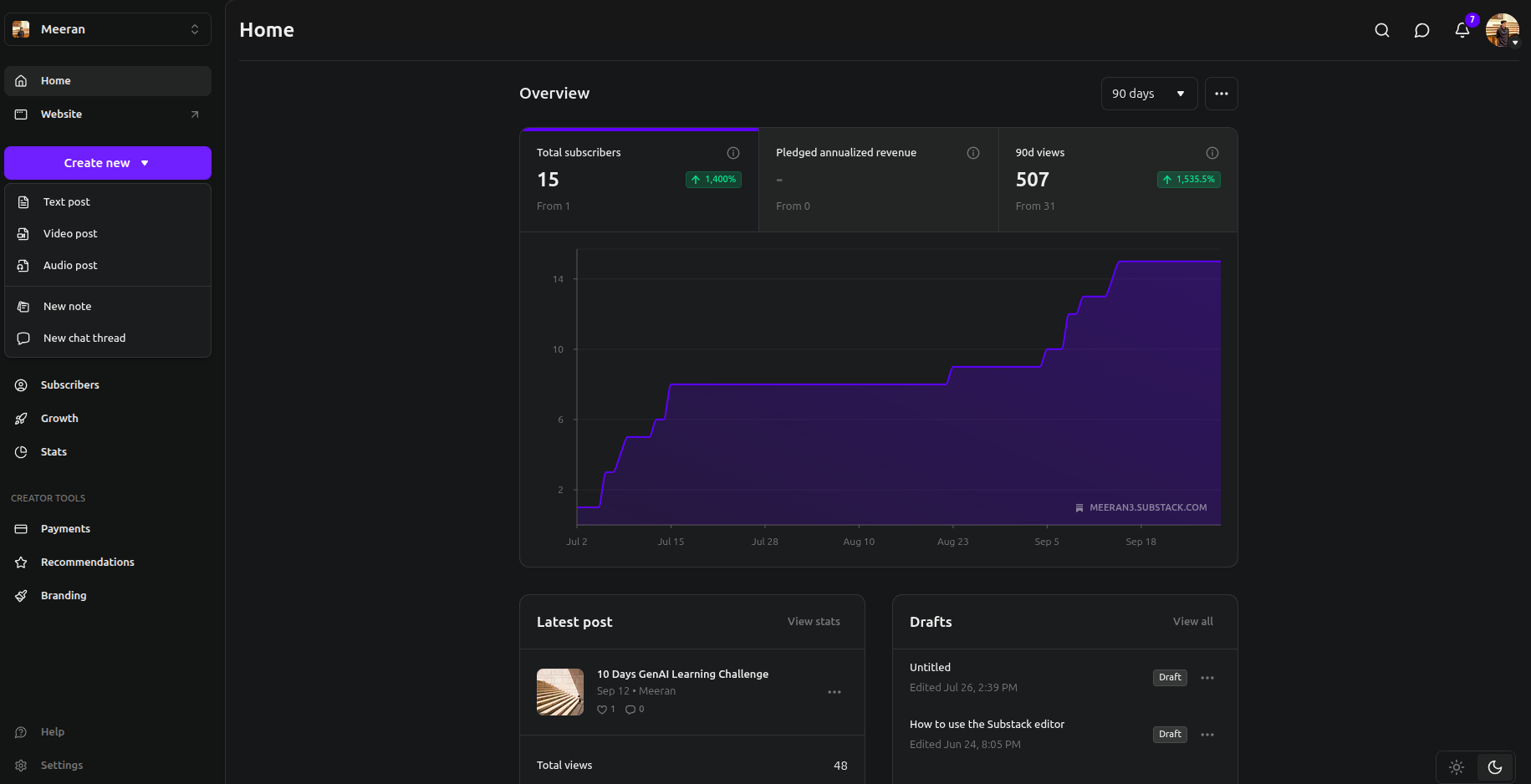
Start New Post: From the left sidebar, click “Create new” and choose “Text post.”
-
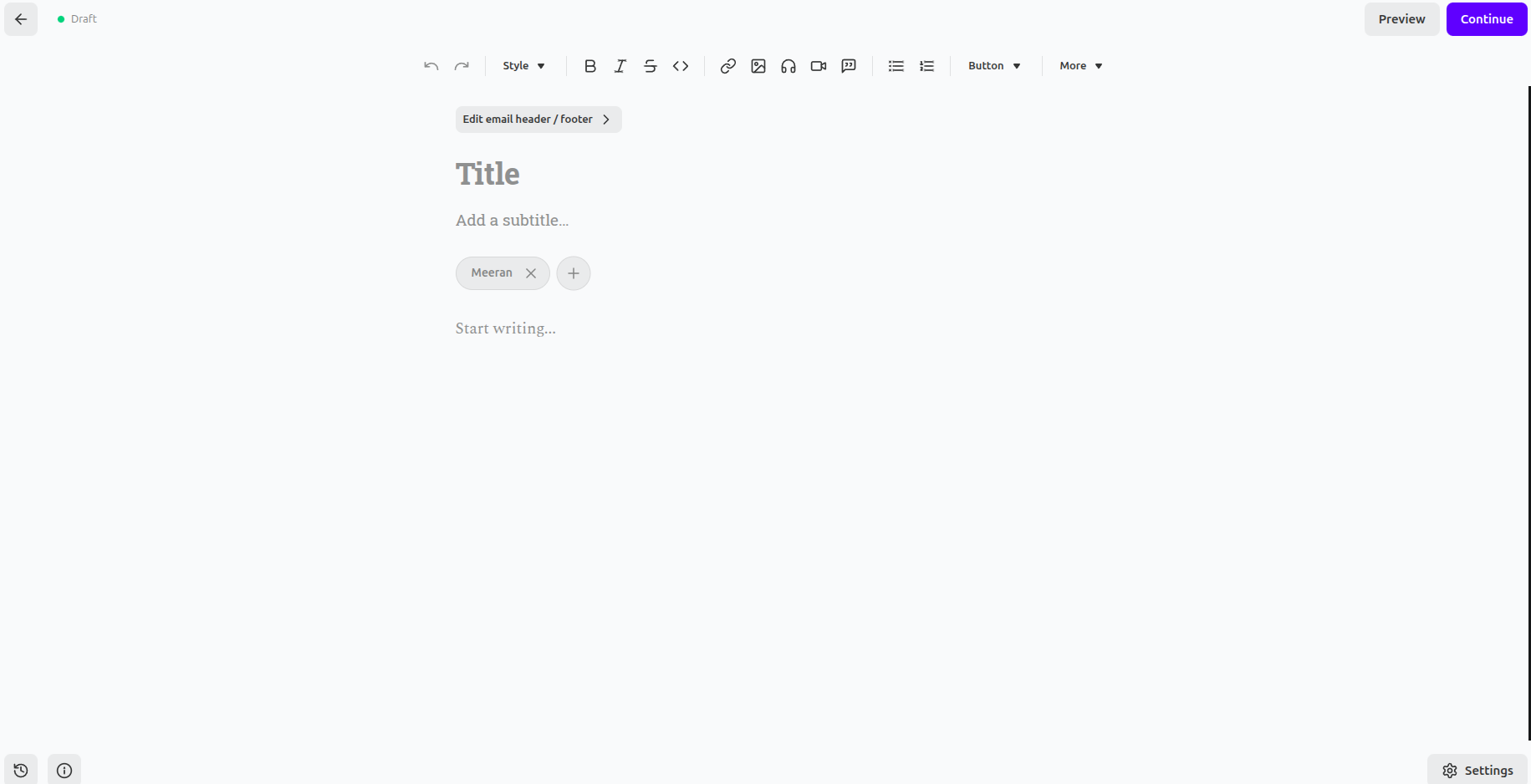
Compose Article: Write your article on the creation page.
-
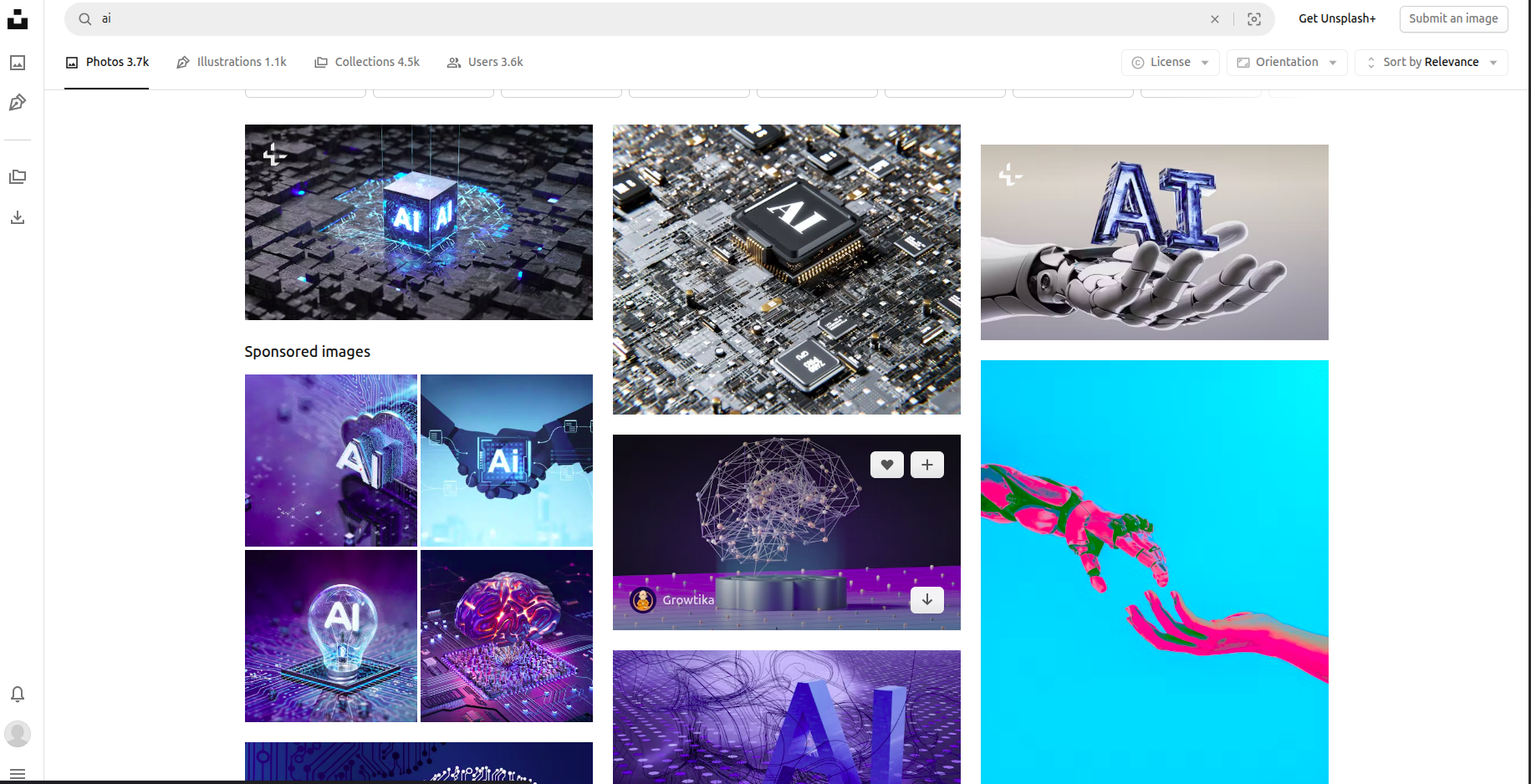
Insert Images: Only use images from Unsplash or your own creations.
-
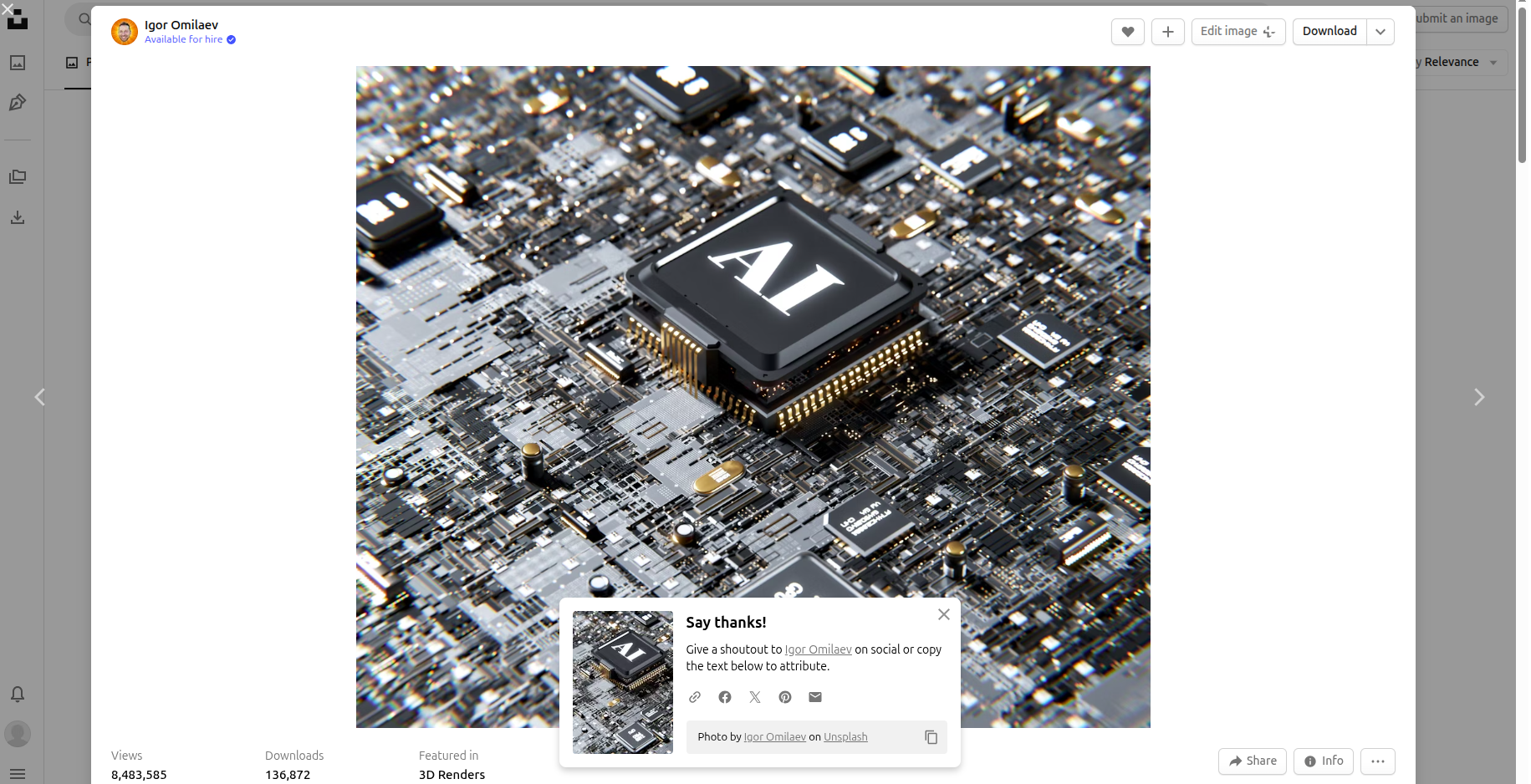
Credit Unsplash Images: When using Unsplash images, edit the caption to credit the creator.
-
Proceed to Publish: Click “Continue” at the top right.
-
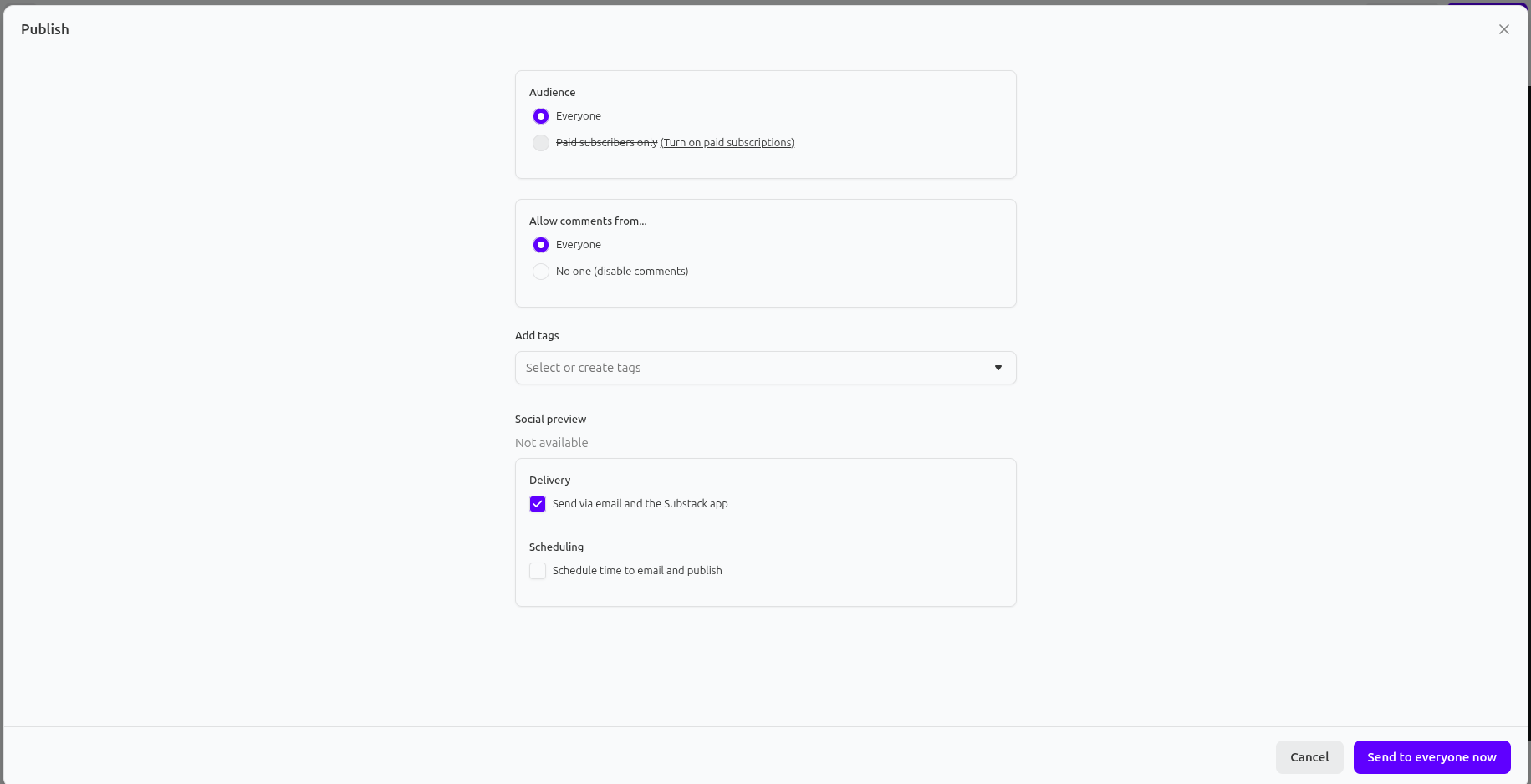
Set Publishing Options: Define your audience, comment settings, add relevant tags, and select delivery preferences.
-
Publish Article: Click “Send to everyone now” at the bottom right.
-
Copy Shareable Link: On the next page, find the “Share your link” section and click “Copy link.”
https://articlevil.substack.com/p/building-smarter-ai-development-teams?r=5x35e5