/ Home
SSH Key
How to generate ssh key on Ubuntu or GitSCM (Windows)?
ssh-keygen -t rsa -b 4096 -C "email@gmail.com"

eval "$(ssh-agent -s)"

ssh-add ~/.ssh/id_rsa

cat ~/.ssh/id_rsa.pub
    (then copy the content)

copy and paste the ssh key on Github/Gitlab
Windows
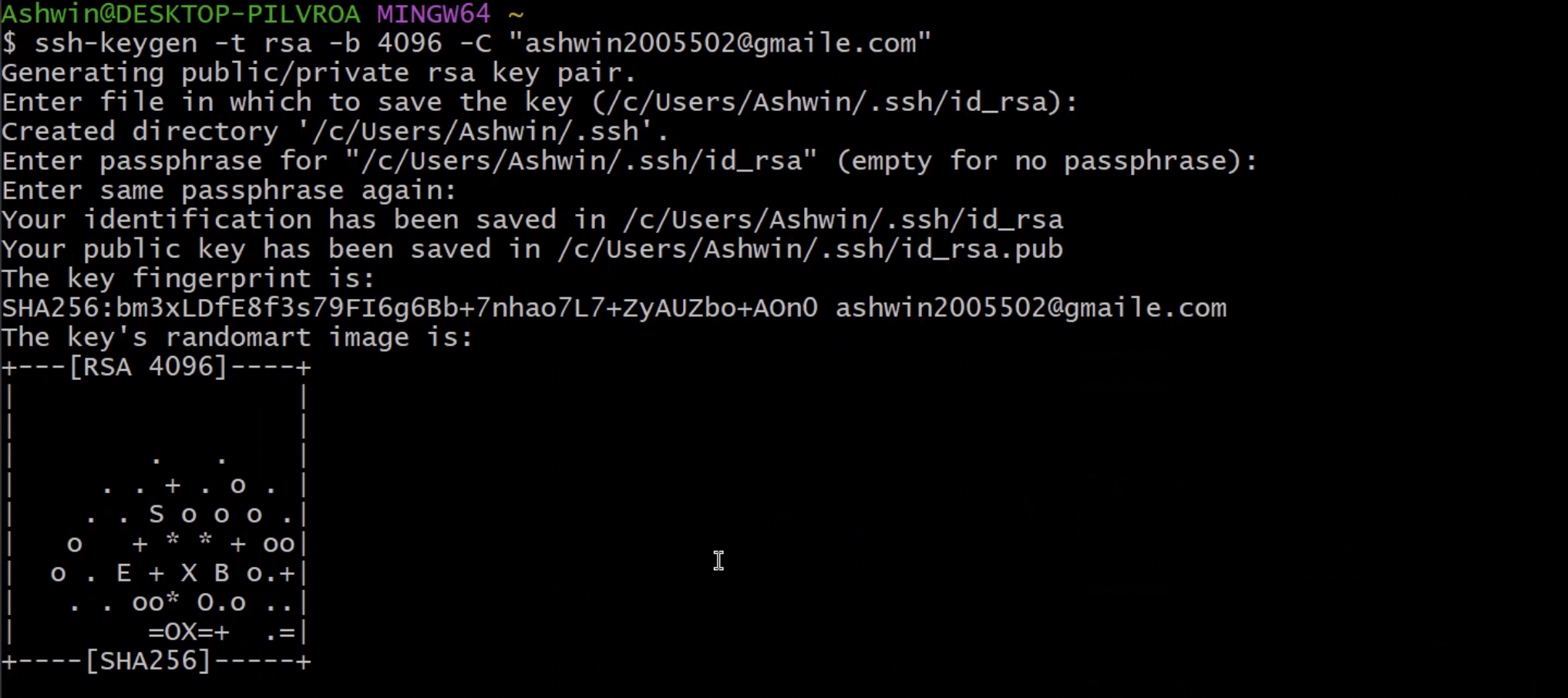
How to generate ssh key on MacOs?
ssh-keygen -t rsa -b 4096 -C "email@gmail.com"

eval "$(ssh-agent -s)"

ssh-add ~/.ssh/id_rsa

pbcopy < ~/.ssh/id_rsa.pub
    (it will automatically copy the ssh key and keep them in the clipboard)

then paste the file on Github/Gitlab
Where is SSH Config
~/.ssh/config
view all agents:
ssh-add -l
ssh-add -L
https://unix.stackexchange.com/questions/58969/how-to-list-keys-added-to-ssh-agent-with-ssh-add
Verbose
ssh -vvv -i .ssh/id_rsa
https://help.github.com/en/articles/generating-a-new-ssh-key-and-adding-it-to-the-ssh-agent#adding-your-ssh-key-to-the-ssh-agent https://help.github.com/en/articles/adding-a-new-ssh-key-to-your-github-account
add ssh agent
ssh-add -K ~/.ssh/id_rsa
ssh-add -K ~/.ssh/abc-git.key
How to add your local ssh key in remote AWS EC2 machine?
1. Copy the local ssh key
2. Paste it under ~/.ssh/authorized_keys in EC2 machine