/ Home
SigPy
Note: Sigte Generator Python
1. How to setup?
1. Go to this url
    https://github.com/kactlabs/pynotes

2. Create a new repository under "Use this template" option

3. Choose create new repository and name the repository

4. Our recommended name for your repository: pynotes

5. Git clone the newly created repo
2. Install requirements
pip install -r requirements.txt

# also install jupyter lab as you need it later
pip install jupyterlab

# verify jupyter lab
jupyter lab --version
3. PyNotes Configuration Setup
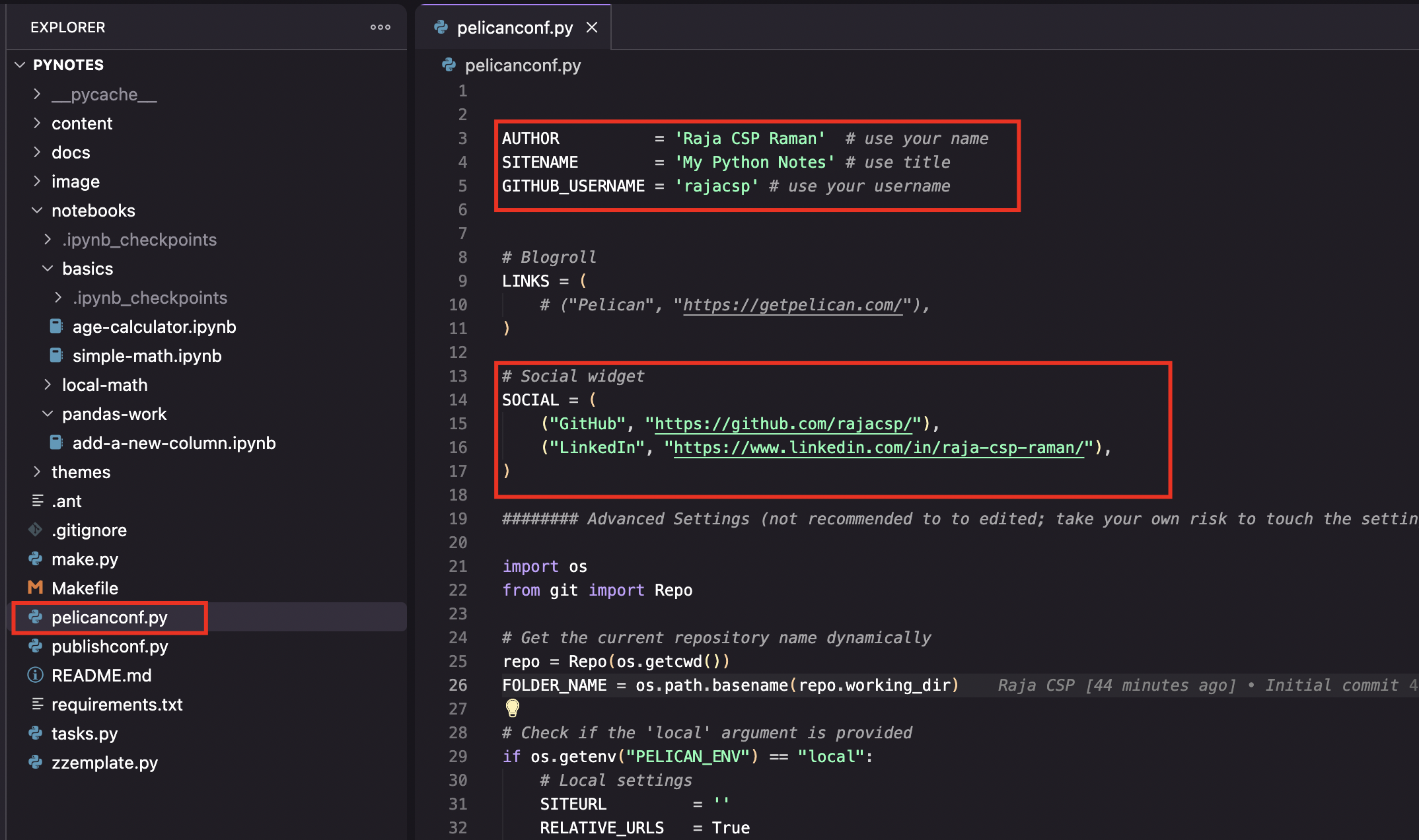
1.go to pelicanconf.py

change the necessary changes to update:
    AUTHOR          : (your name)
    SITENAME        : (My Python Notes)
    GITHUB_USERNAME : (Your username)


Go to `# Social widget` and update your social links
SOCIAL = (
    ("GitHub", "<your github link>"),
    ("LinkedIn", "<your linkedin link>"),
)
Sample:
4. Verify Local Server (Ubuntu/Mac)
python make.py

# only on Ubuntu/Mac
PELICAN_ENV=local pelican content

# verify
echo %PELICAN_ENV%

# and then run
pelican content

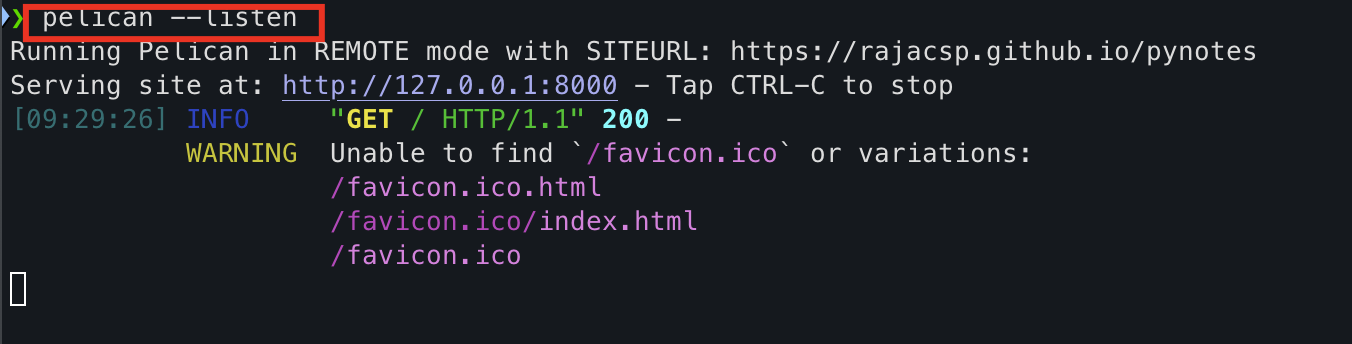
pelican --listen
    this will run the local server
    http://127.0.0.1:8000
4. Verify Local Server (Windows)
python make.py

# use this for Windows
set PELICAN_ENV=local

# verify
echo %PELICAN_ENV%

# and then run
pelican content

pelican --listen
    this will run the local server
    http://127.0.0.1:8000
You should see like this:
Setup Jupyter Lab
pip install jupyterlab

# verify
jupyter lab --version

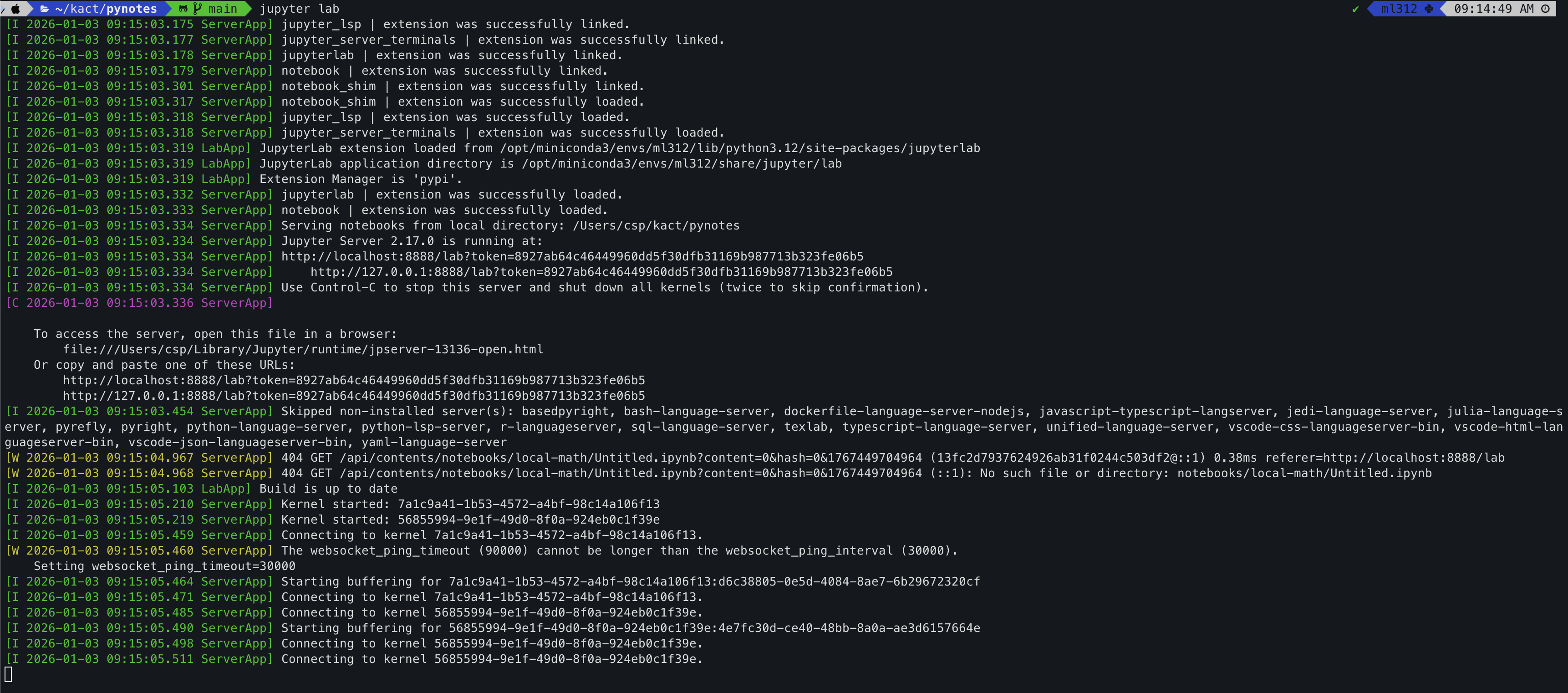
jupyter lab
You will see like this:
You will see Jupyter Lab on browser:
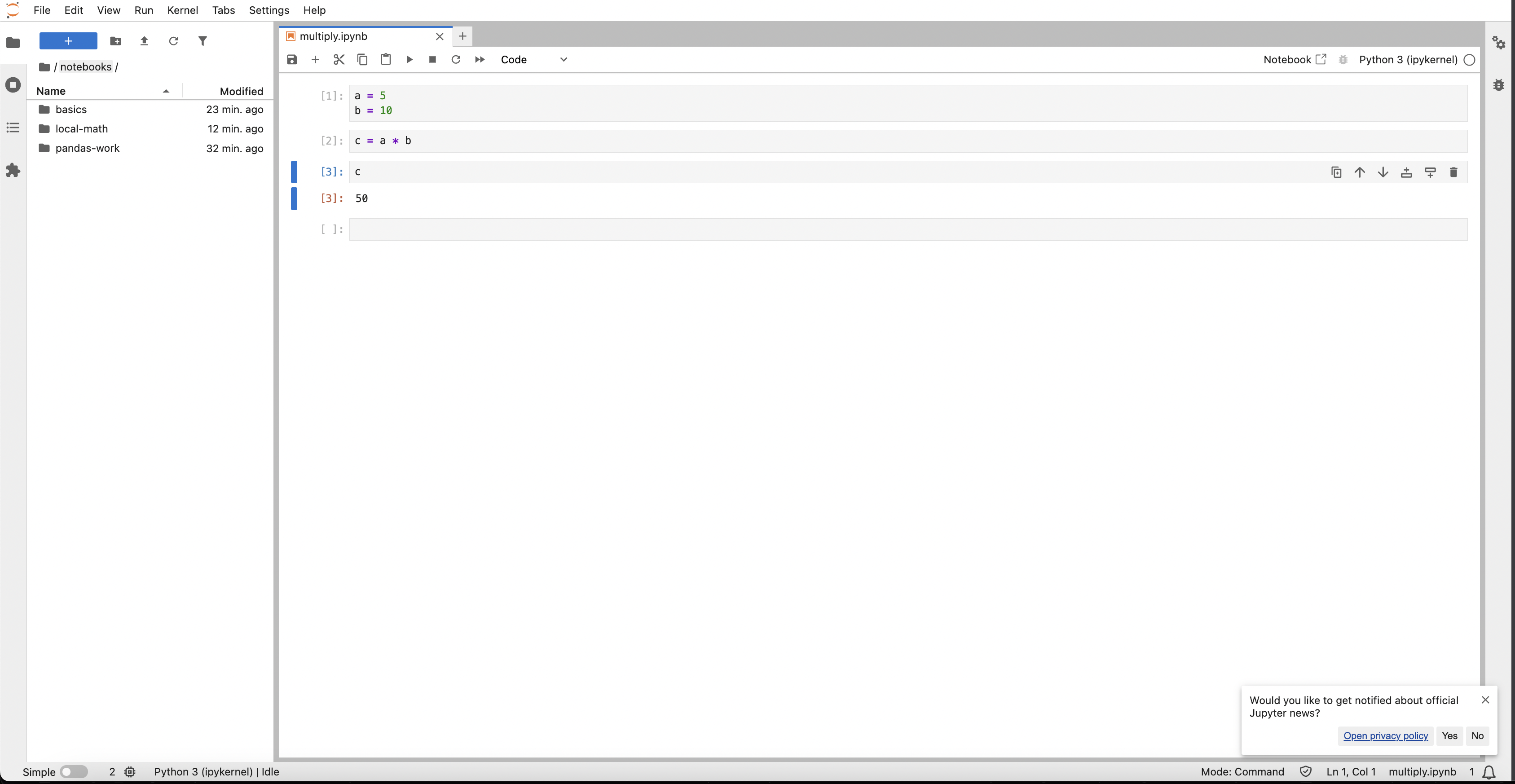
Create Sample file
Create notebooks folder (leave it if it is already created)

And add any other folder related to your work

And do the assignments in jupyter lab (needs installation of jupyterlab) by running the command: jupyter lab

Once done follow the below steps
How to push your changes? (Ubuntu/Mac)
# 1. Run python
python make.py

# 2. use this for Windows
set PELICAN_ENV=prod

# 3. verify
echo %PELICAN_ENV%

# 3.1 verify with python
python -c "import os; print(os.getenv('PELICAN_ENV'))"

# 4. run pelican
pelican content

# 5. git push
git add . && git commit -m "new changes" && git push
How to push your changes? (Windows)
# 1. Run python
python make.py

# 2. use this for Windows
set PELICAN_ENV=prod

# 3. verify
echo %PELICAN_ENV%

# 3.1 verify with python
python -c "import os; print(os.getenv('PELICAN_ENV'))"

# 4. run pelican
pelican content

# 5. git push
git add . && git commit -m "new changes" && git push
Screenshot
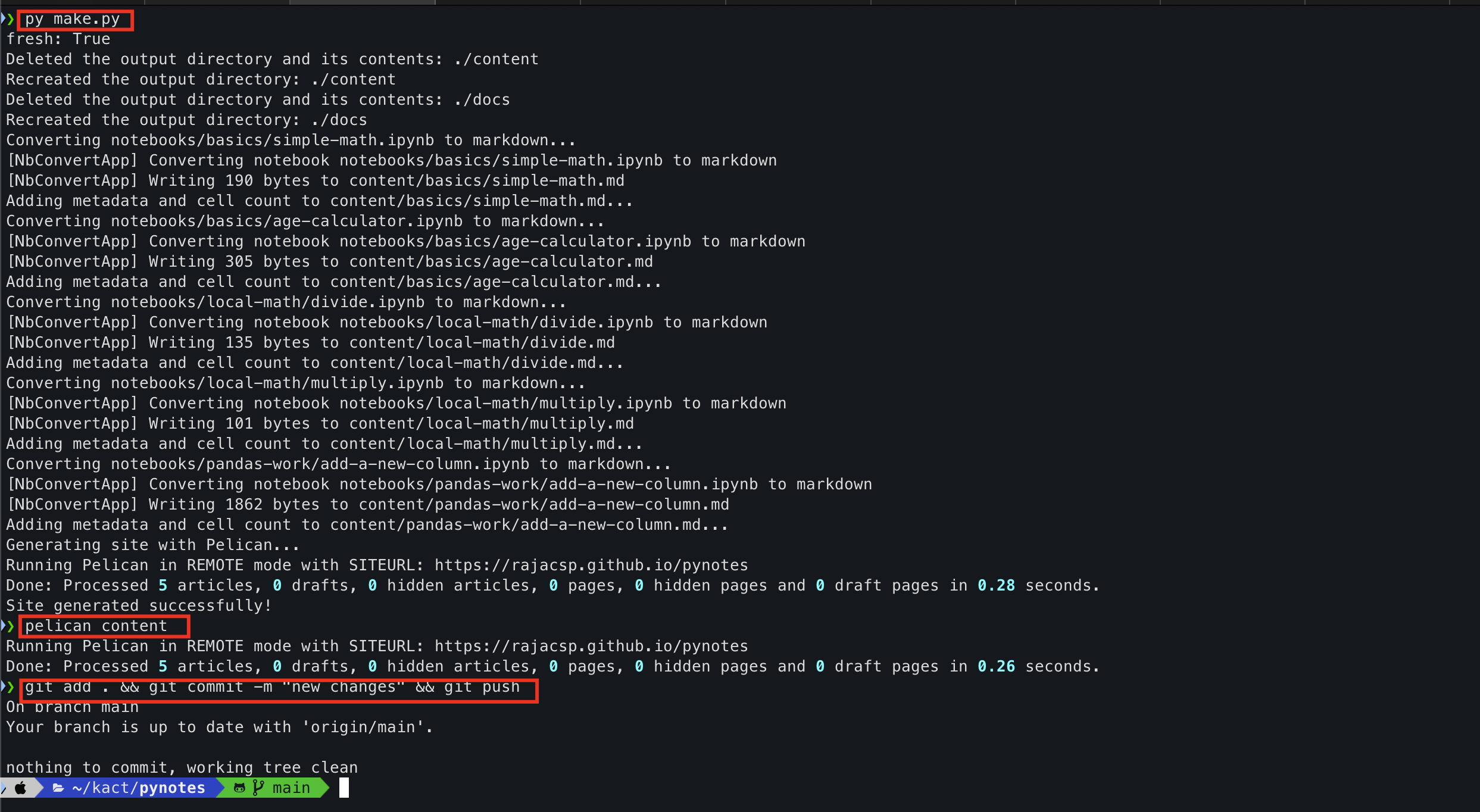
How to publish Changes
python make.py

pelican content

git add . && git commit -m "new changes" && git push

go to GitHub -> Pages -> Source

select "Deploy from  branch"

Go to branch on the same page

select "main" branch and "docs" folder
Important Note
Once you are set and started to work

After every 5 files you have to publish the changes
Get Archive Link
Once you push your changes

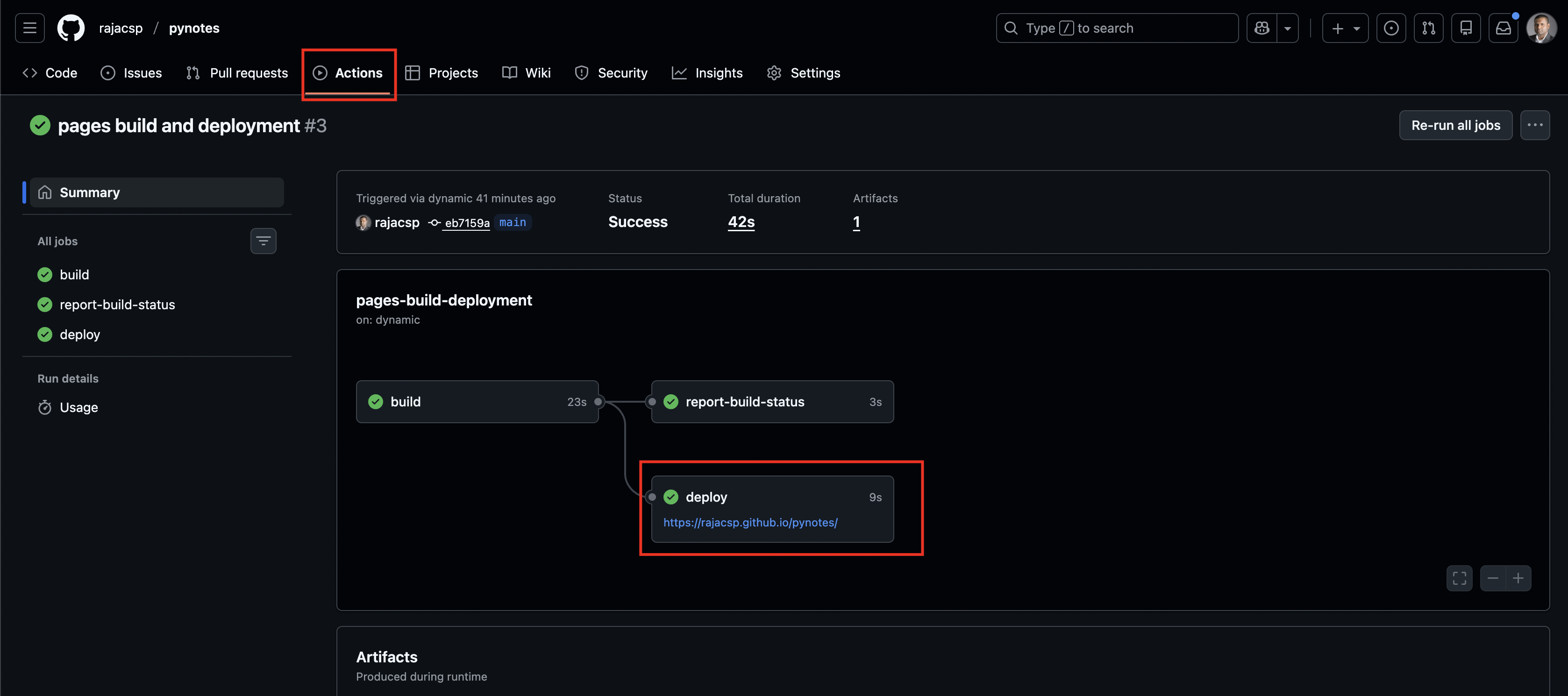
Go to your repository -> Pynotes -> Actions -> pages-build-deployment -> Get the deploy link
Sample