/ Home
How to view courses
Step 1:
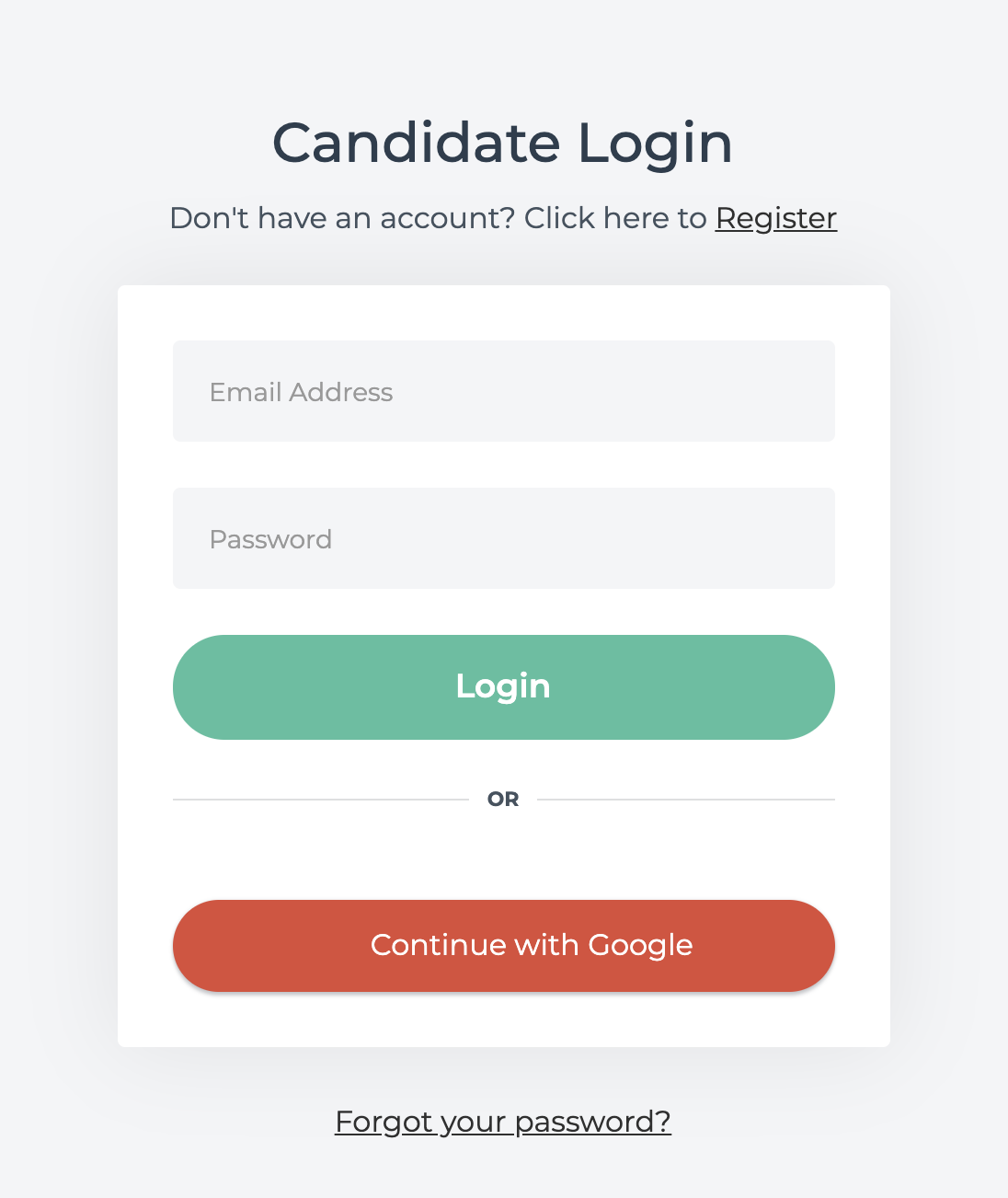
Login to your featurepreneur account
Step 2:
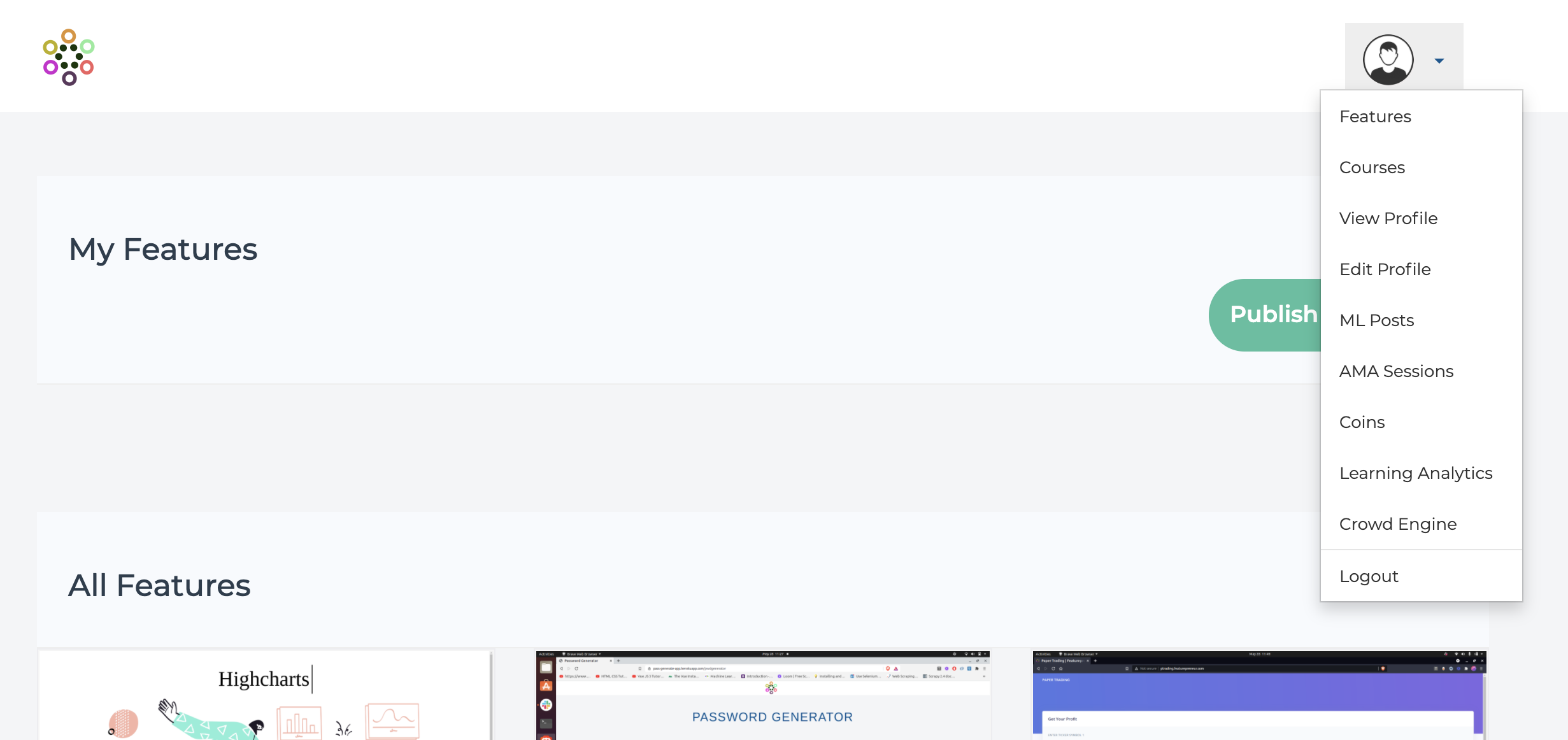
Make sure you’ve been subscribed to the courses. Once you’ve been subscribed to the required courses, go to the Menu on the top right corner.
Step 3:
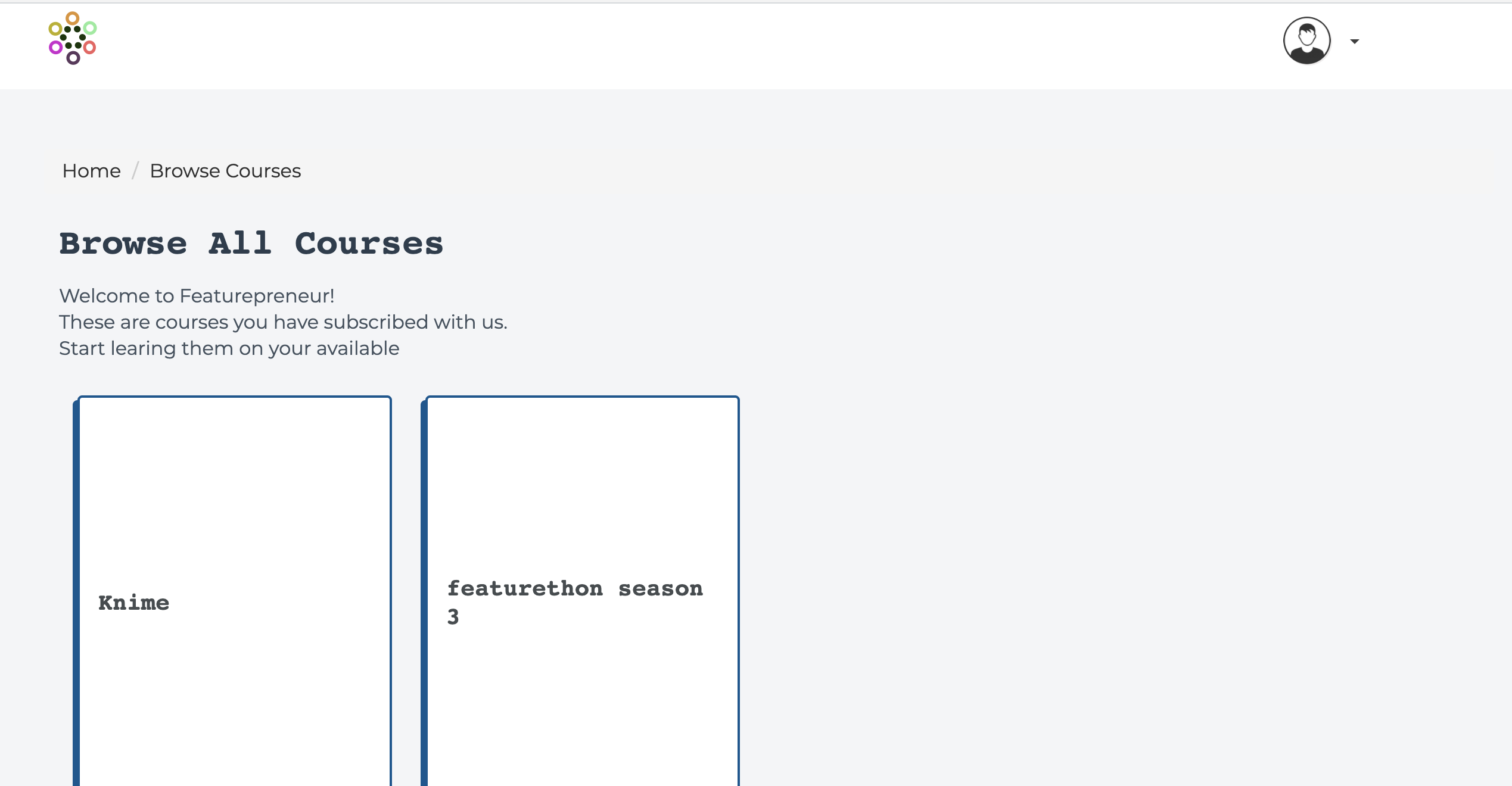
Choose the course you wish to watch
Step 4:
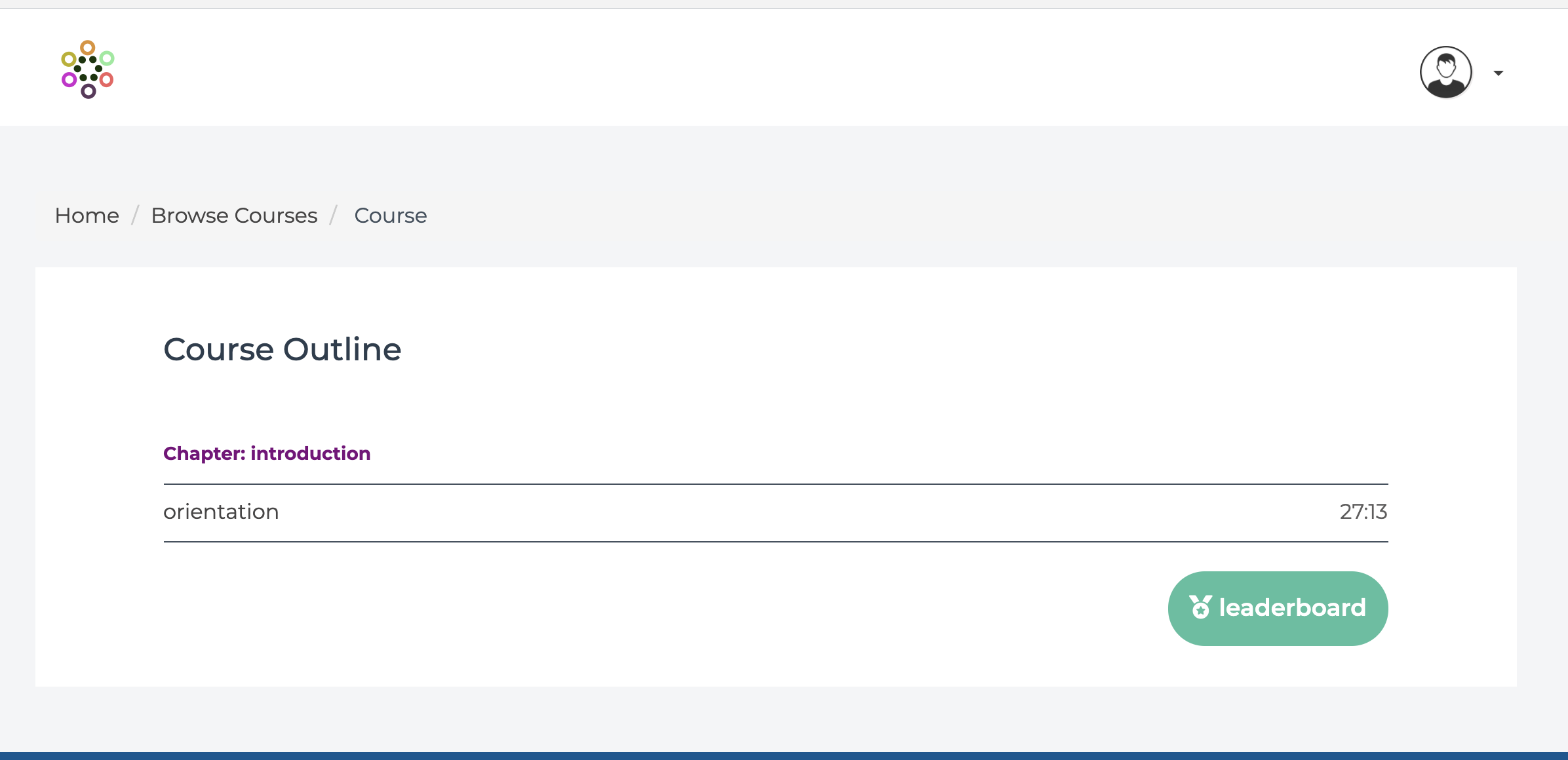
Select the topic you wish to watch.